Public test — not finalWindows desktop · 0.5.0-beta.7
Picture Pilot Sorter
Turn a large photo collection into useful, verified folders.
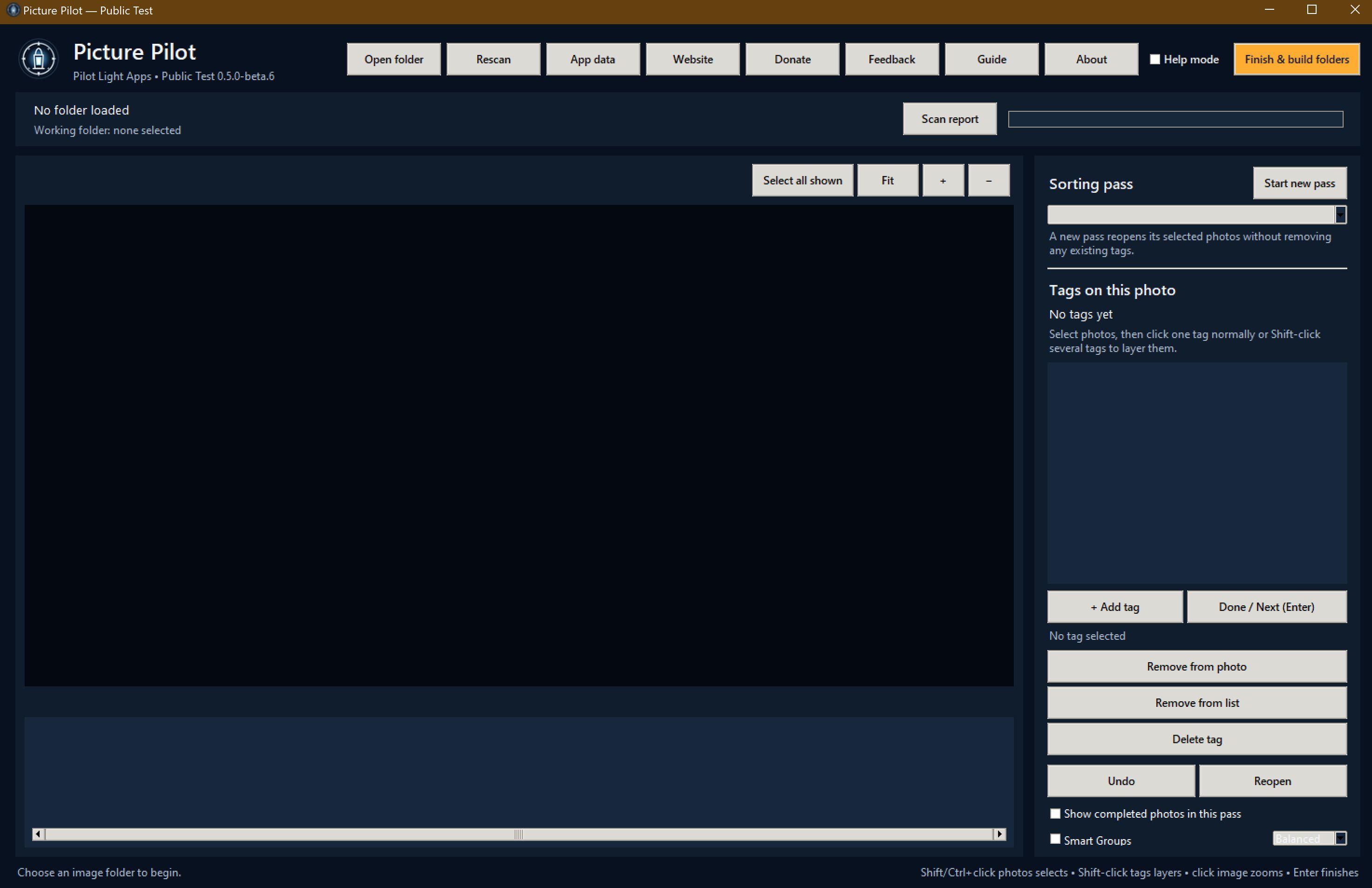
Picture Pilot helps you review local photo collections, account for every physical file, inspect exact duplicates, create your own tags, revisit focused sorting passes, and build organized folders without changing the originals.
Run Picture Pilot Testing.exe once from the extracted folder. The first launch can take up to a minute while Windows scans and unpacks the portable app.
Follow the first-run guide, then choose a copied or non-critical photo folder for this test.
Good to know
Clear before you install.
This is a public test build. Back up irreplaceable photos first and begin with a copied or non-critical folder.
Do not delete original photos after building folders until you have independently checked the Scan report and completed output.
Picture Pilot stores settings and sorting history locally under your Windows Local AppData folder.
Original photos are read but never moved, renamed, edited, overwritten, or deleted.
Smart Groups runs locally and never assigns a tag without you.
Only byte-for-byte exact duplicate images are consolidated during folder building; visually similar photos are never treated as duplicates.
Videos are detected, counted, and listed so folder totals reconcile, but this app remains photo-only.
HEIC/HEIF support includes a bundled local decoder and does not require Microsoft's optional photo codecs. Damaged or unsupported variations are listed as unreadable and left untouched.
Use the in-app Feedback button to report unexpected file counts, unreadable photos, duplicate mistakes, crashes, or incorrect output.
The download contains one portable application file; release records remain on the website.
The app is photo-only and is not digitally signed yet.